Password Management Best Practices: How to Secure Your Online Accounts
In today’s digital landscape, weak passwords are a primary entry point for cybercriminals. Implementing robust password management practices is crucial for protecting your personal and professional data.
Many people still reuse passwords across multiple sites or rely on simple variations. This creates a dangerous domino effect — one breach can compromise all your accounts. Fortunately, adopting a few proven strategies can significantly reduce your risk.
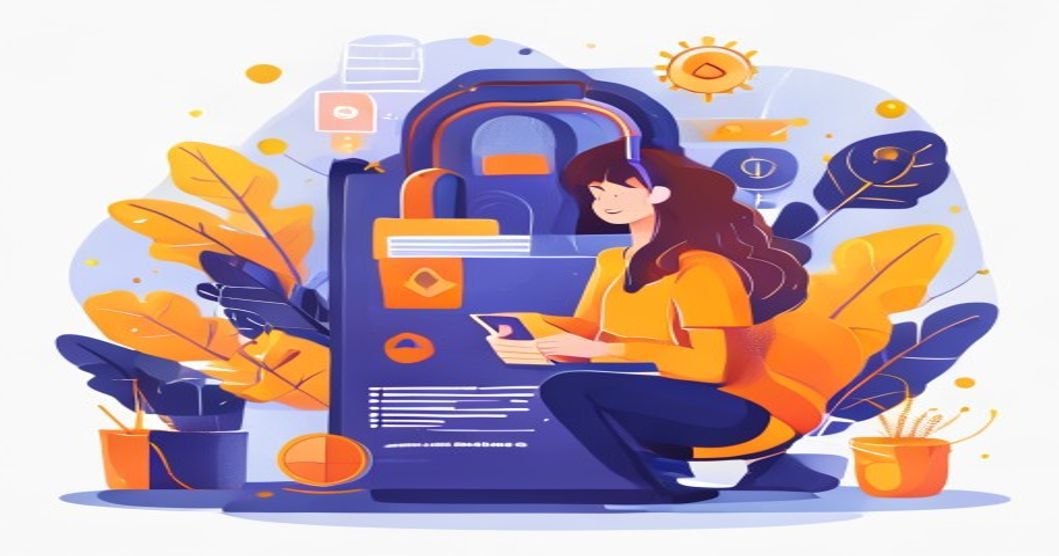
Use a Password Manager
A password manager securely stores all your credentials in an encrypted vault, so you only need to remember one master password. It can:
- Generate strong, random passwords for each site
- Auto-fill login forms to prevent phishing
- Sync across all your devices
Create Strong, Unique Passwords
Each account should have a password that is long, random, and never reused. Aim for at least 12-16 characters, mixing uppercase, lowercase, numbers, and symbols. Avoid using personal information or common words. Consider using a passphrase — a sequence of random words — for easier memorization.
Enable Multi-Factor Authentication (MFA)
MFA adds an extra layer of security by requiring a second verification step, such as a code from an authenticator app, fingerprint, or hardware token. Even if your password is stolen, MFA blocks unauthorized access. Prioritize enabling MFA on email, banking, and social media accounts.
Regularly Audit and Update Passwords
Set a reminder to review your accounts and change passwords, especially for sensitive services. Immediately update any password that might be involved in a data breach. Also, remove or close unused accounts to reduce your attack surface.
By following these best practices, you can dramatically improve your online security. Start by setting up a password manager today and enable MFA on all critical accounts.
